How to Reduce PDF File Size for Email: The Technical Guide
Introduction: The "File Too Large" Nightmare
It is 4:55 PM. You are trying to email the final project proposal to a client. You hit send. Error: Message size exceeds 25 MB limit.
This is the classic bottleneck of the modern web. Despite gigabit fiber speeds, email protocols (SMTP) and server storage limits are stuck in the 1990s.
High-resolution scanners, unoptimized exports from Canva/Indesign, and embedded font libraries can easily balloon a 10-page document to 50MB+. Creating a "lightweight" version is essential for shareability.
This guide dives into the Science of Compression and how to use Docorio to shave off 80% of your file size without turning your document into a blurry mess.
Why Are PDFs So Big?
To solve the problem, we must understand the anatomy of a PDF file.
1. Raster Images (The Main Culprit)
A single high-quality photo (300 DPI, A4 size) can be 5-10MB. If your report has 10 photos, you are already at 50MB. Scanners often capture far more detail than the human eye can see on a screen.
2. Embedded Fonts
To ensure the document looks the same on every computer, PDFs "pack" the font files inside. A full font family (Bold, Italic, Regular) can add 2-3MB.
3. Vector Complexity
Architectural drawings (CAD exports) contain millions of tiny vector lines. Each line is a line of code. Millions of lines = massive file size.
4. Metadata Bloat
Edit history, thumbnails, XML metadata, and old object streams often linger in the file structure like "digital dust."
How Smart Compression Works
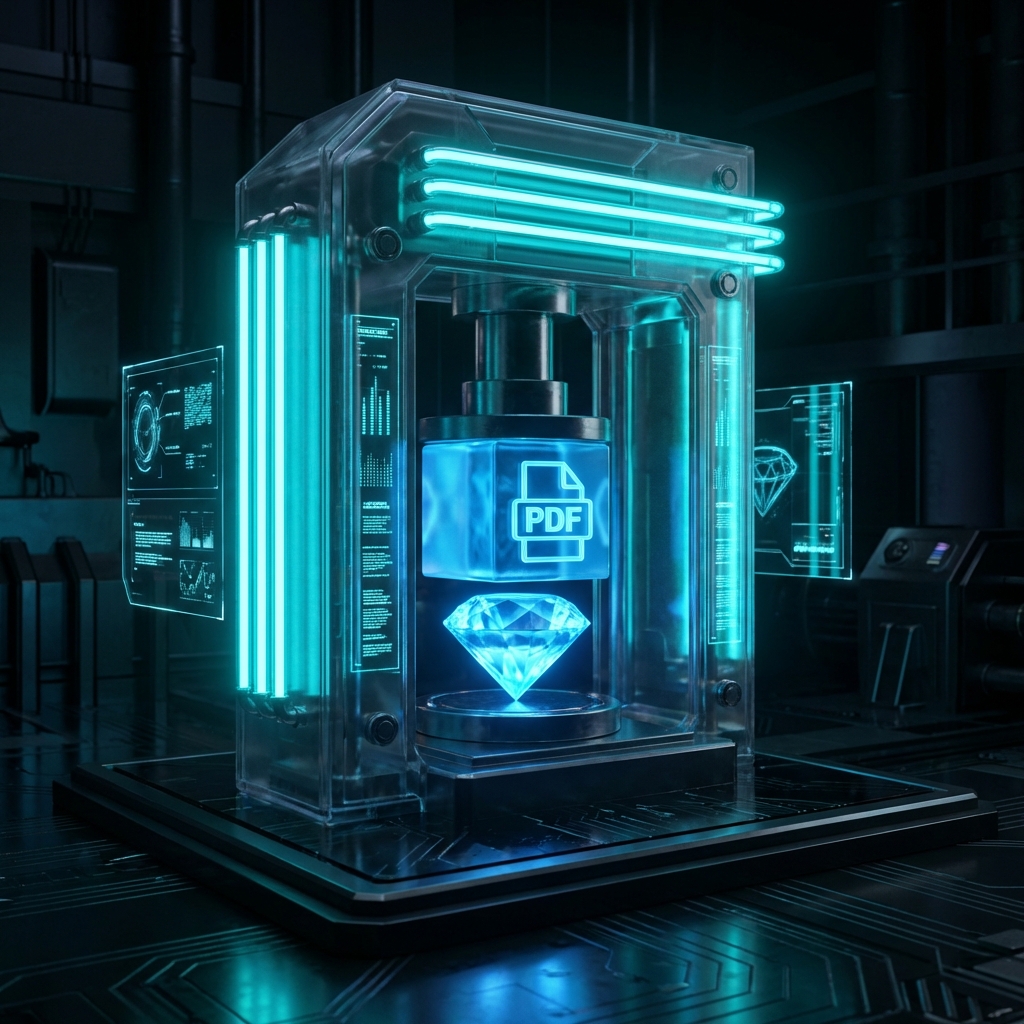
When you drag your file into Docorio's Compressor, we don't just "lower the quality". We perform surgical optimization.
Downsampling (Resizing)
If an image is 4000 pixels wide but is displayed in a small box that is only 400 pixels wide, we resize the source image to match the display size.
- Result: 90% size reduction, visual difference: Zero.
Lossy Compression (JPEG)
We apply intelligent JPEG algorithms to photographic elements. We find "flat" areas of color (like a blue sky) and simplify the data representation.
- Settings:
- Extreme: Aggressive simplification. Text may remain sharp, but images might show artifacts. (Best for rough drafts).
- Recommended: The sweet spot. Indistinguishable to the eye on a laptop screen. (Best for email).
- Less: Minimal touches. Only strips metadata. (Best for print).
Font Subsetting
If your document uses the letter "A" but not "Z" from a specific font, we delete the "Z" from the embedded font file. Why ship characters you aren't using?
Step-by-Step Guide
Step 1: Upload
Go to the Compress Tool. Drag and drop your bloated file.
Step 2: Choose Your Profile
- Extreme Compression: Choose this if you need to get under a strict limit (e.g., < 2MB for a gov portal upload).
- Recommended: Choose this for client emails.
- Custom: Use the slider to dial in the exact quality (0-100%).
Step 3: Analyze & Download
Our tool will process the file and tell you the results. "Reduced by 74%! (14MB -> 3.6MB)" Download your optimized file.
Tips for Specific Scenarios
Scanned Documents
Scans are basically giant JPEGs wrapped in PDF. They compress exceptionally well. You can often see 90-95% reduction because scanners are notoriously inefficient.
CAD / Vector Drawings
These compress poorly with standard tools because they are lines, not pixels.
- Workaround: Convert the page to an Image first (rasterize it), then compress the image. (Use our PDF to JPG tool).
Portfolios & Resumes
Never send a 20MB resume. It tells the recruiter "I don't know how to optimize assets." Aim for < 5MB. Use "Recommended" settings to ensure your headshot stays crisp.
Conclusion
Bandwidth is precious. Storage is expensive. A lean, optimized PDF is a sign of digital professionalism. Stop bouncing emails and start compressing with Docorio.
📉 Optimization Suite
- Resize PDF: Change A4 to Letter.
- Extract Images: Get full-res photos out of PDFs.
- Merge: Combine small files into one.
Found this helpful?
Share this article with your network.