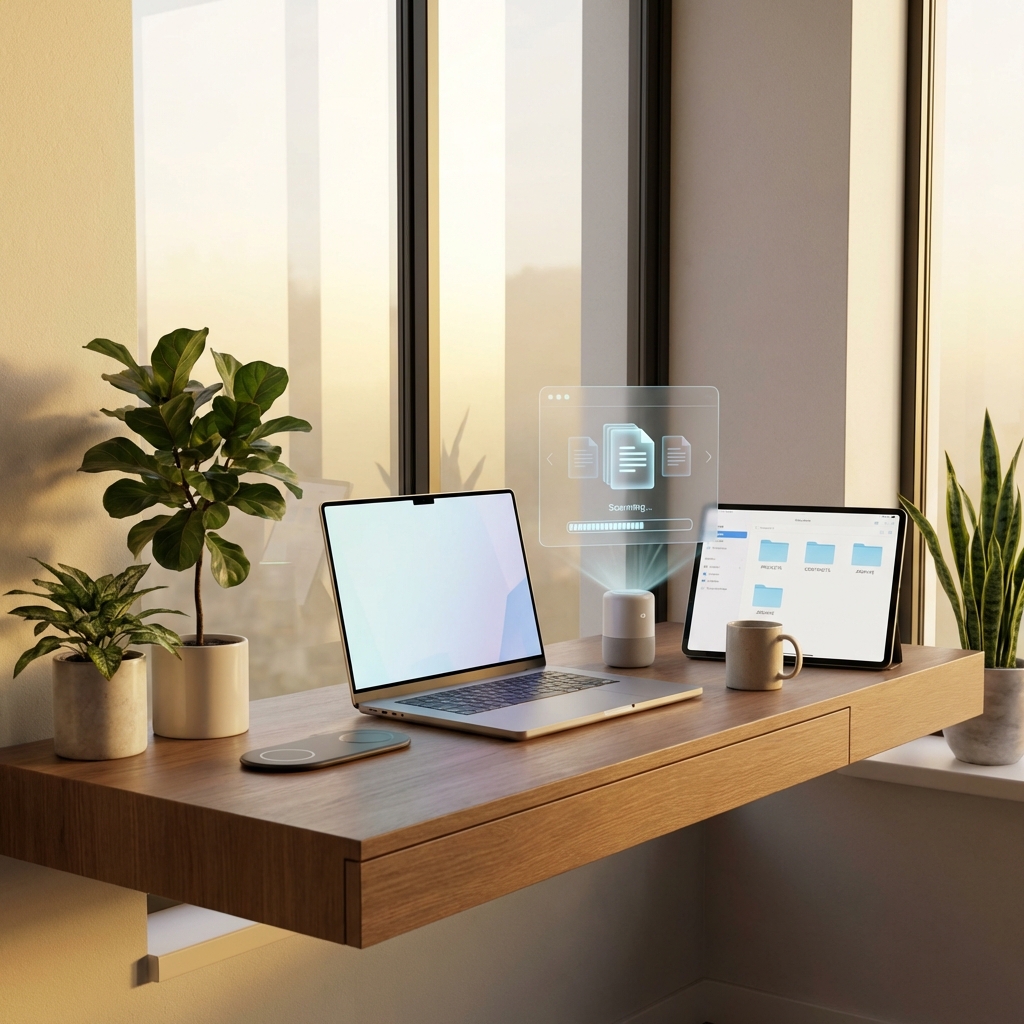
The Paperless Home Office: A 2026 Blueprint
Is your desk covered in sticky notes, bills, and random envelopes? It's time to stop.
Going paperless isn't just about "saving trees" (though that's great); it's about searchability. You can't Ctrl+F a piece of paper.
The Hardware Setup
You don't need a massive $500 scanner anymore.
- ** Smartphone with LiDAR**: Modern phones (iPhone 15+ / Pixel 9) have depth-sensing cameras that flatten skewed document scans instantly.
- Shredder: This is the most satisfying part. Once you scan it, destroy it (unless it's a birth certificate).
The Software Workflow
The "Input -> Process -> Archive" loop.
1. Input (The Scan)
Use our free Scanner Tool.
- Snap: Take the photo.
- Filter: Apply "Black & White" filter to remove shadows.
- Export: Save as PDF.
2. Process (The Magic)
Don't just save an image. Make it smart.
- OCR: Run it through Optical Character Recognition so you can copy-paste the text later.
- Rename: "Scan_001.pdf" is useless. Use "YYYY-MM-DD - [Category] - [Entity].pdf".
- Example:
2026-05-20 - Bill - Comcast.pdf
- Example:
3. Archive (The Vault)
Store it in the cloud (Google Drive/Dropbox) with a local backup.
- Tip: Use the Merge Tool to combine all receipt scans for a single month into one file (
May_Receipts.pdf).
Addressing "Paper Anxiety"
"What if I need the original?"
- IRS/Tax: For 99% of expenses, digital copies are legally acceptable if they are legible.
- Warranties: Digital scans are preferred by manufacturers.
Stop letting dead trees clutter your living space. Digitize today.
🛠️ Essential Tools for Going Paperless
Found this helpful?
Share this article with your network.