What is Metadata ?
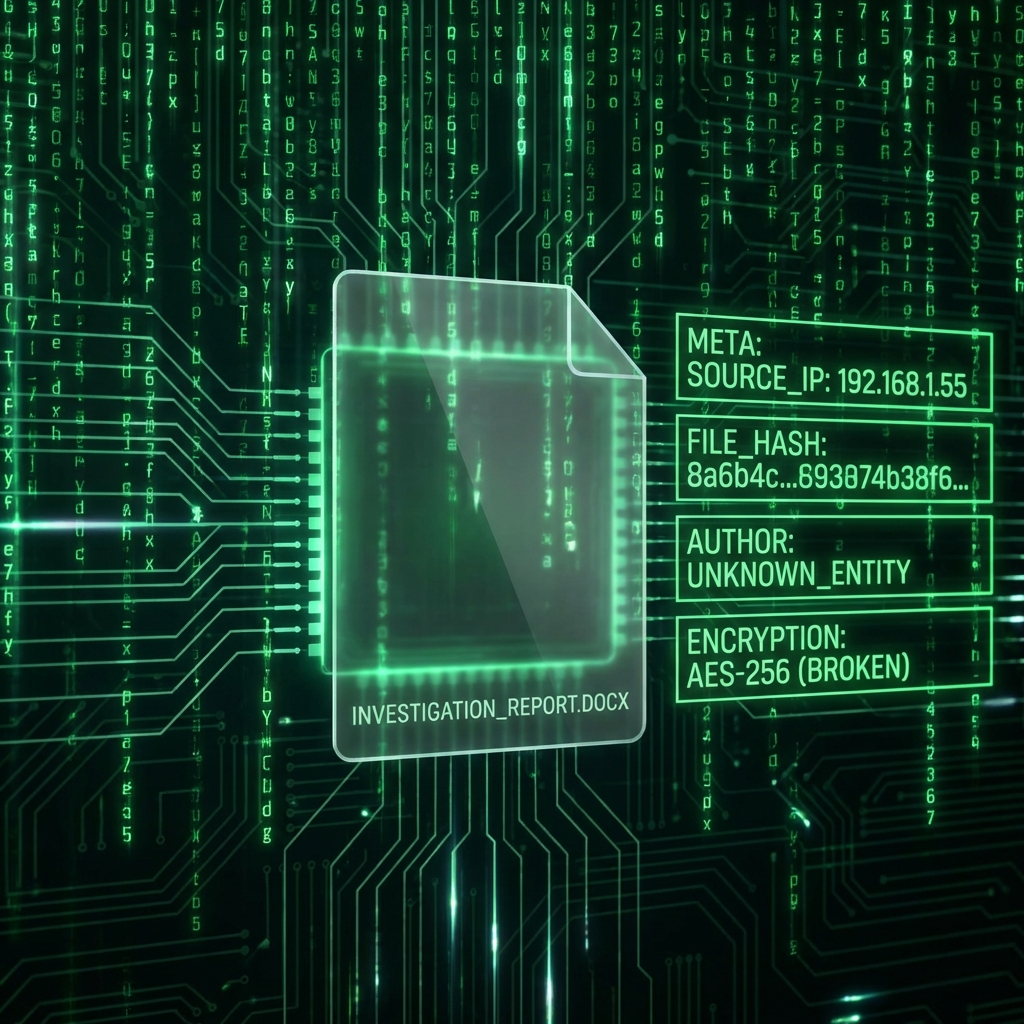
Every PDF contains hidden "tags" describing it:
- Author Name
- Creation Date
- Software Used (e.g., "Microsoft Word 2013")
Why remove it ?
For legal or privacy reasons, you might not want the recipient to know the document was created by "John Doe" on a computer named "John's Macbook".
How to scrub
The [Edit Metadata](/metadata) tool allows you to view these hidden fields and wipe them clean or change them to generic values before publishing.
Found this helpful?
Share this article with your network.