Signing on the Go
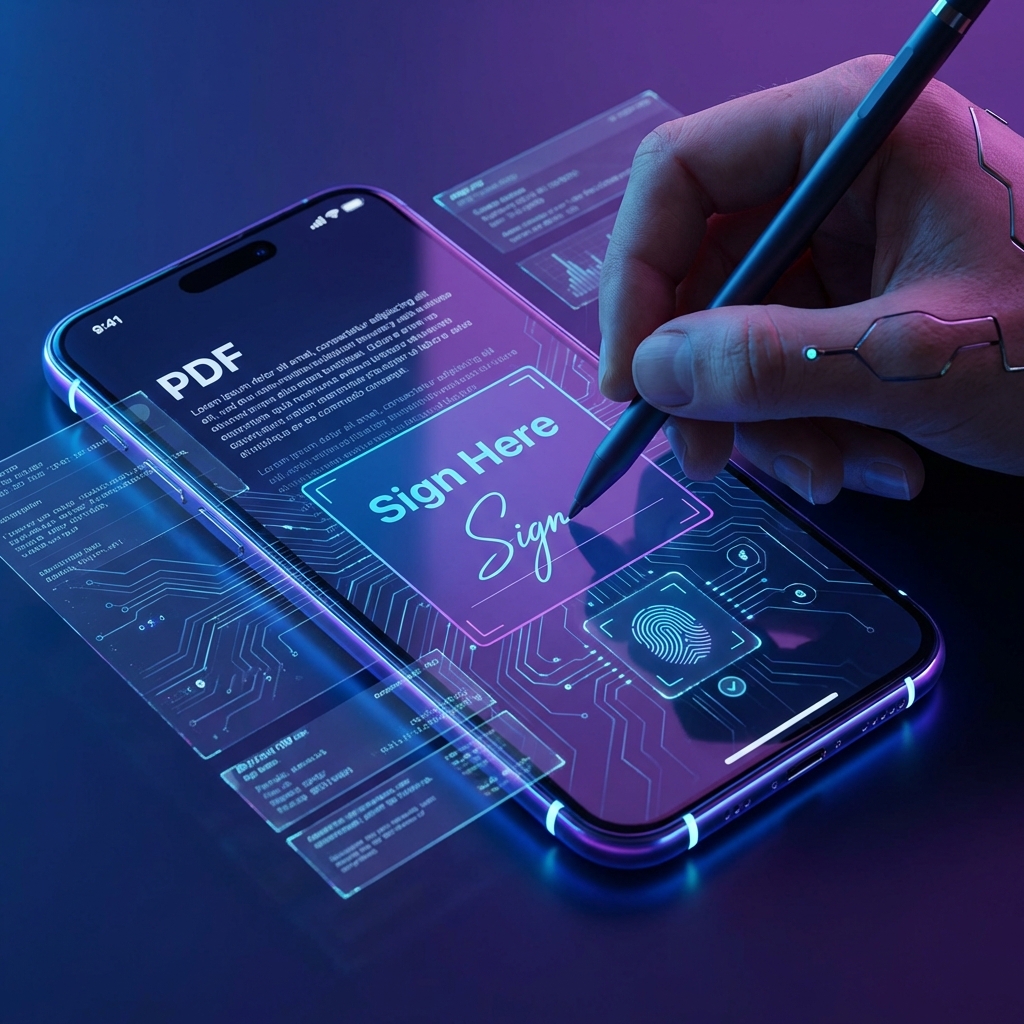
You receive an urgent contract while at lunch.You have your iPhone.What do you do?
The Web Solution
1. Open Safari.
2. Go toDocorio.com / sign. 3. Upload the file from your "Files" app or iCloud. 4. Draw your signature with your finger(it's actually easier than using a mouse!). 5. Download and email it back.
Fast, free, and no bloatware apps taking up space on your phone.
Found this helpful?
Share this article with your network.