Archiving the Web
Browser bookmarks are great, but links rot.The page might be deleted.
Save as PDF
While you can press "Ctrl+P" and "Save as PDF", this often results in messy layouts with ads covering the text.
Use a Converter
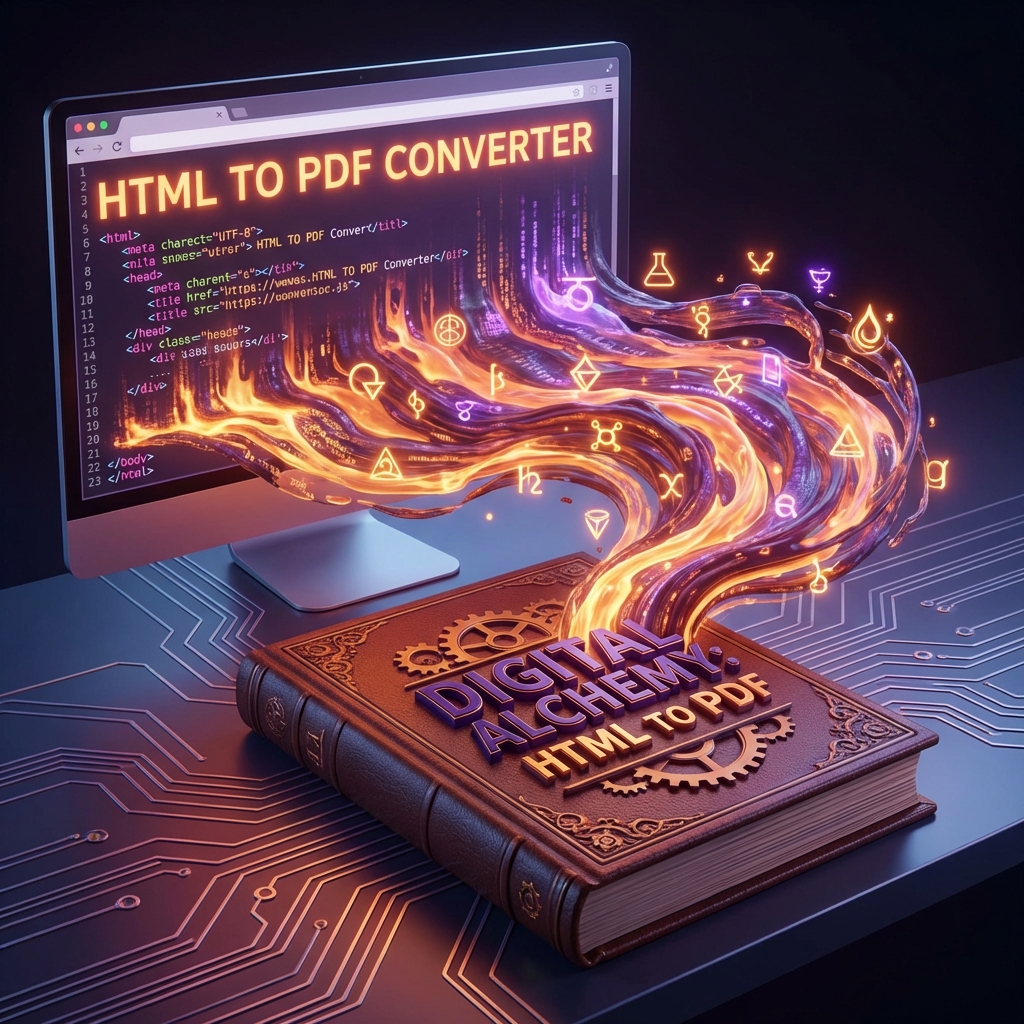
Our [HTML to PDF](/html-to-pdf) tool strips away ads and navigation bars, focusing on the main content article, creating a clean, ebook-like document for your digital library.
Found this helpful?
Share this article with your network.